YOUR PERSONAL DANCE STUDIO · COMING TO IPHONE
DanceMirror3D
Make the
move yours.
The part you keep rewinding?
Let’s work on that.
The same move.
A different angle.
What’s the arm doing? Where does the weight go? Turn the 3D reference and take another look.
Try a view ↗
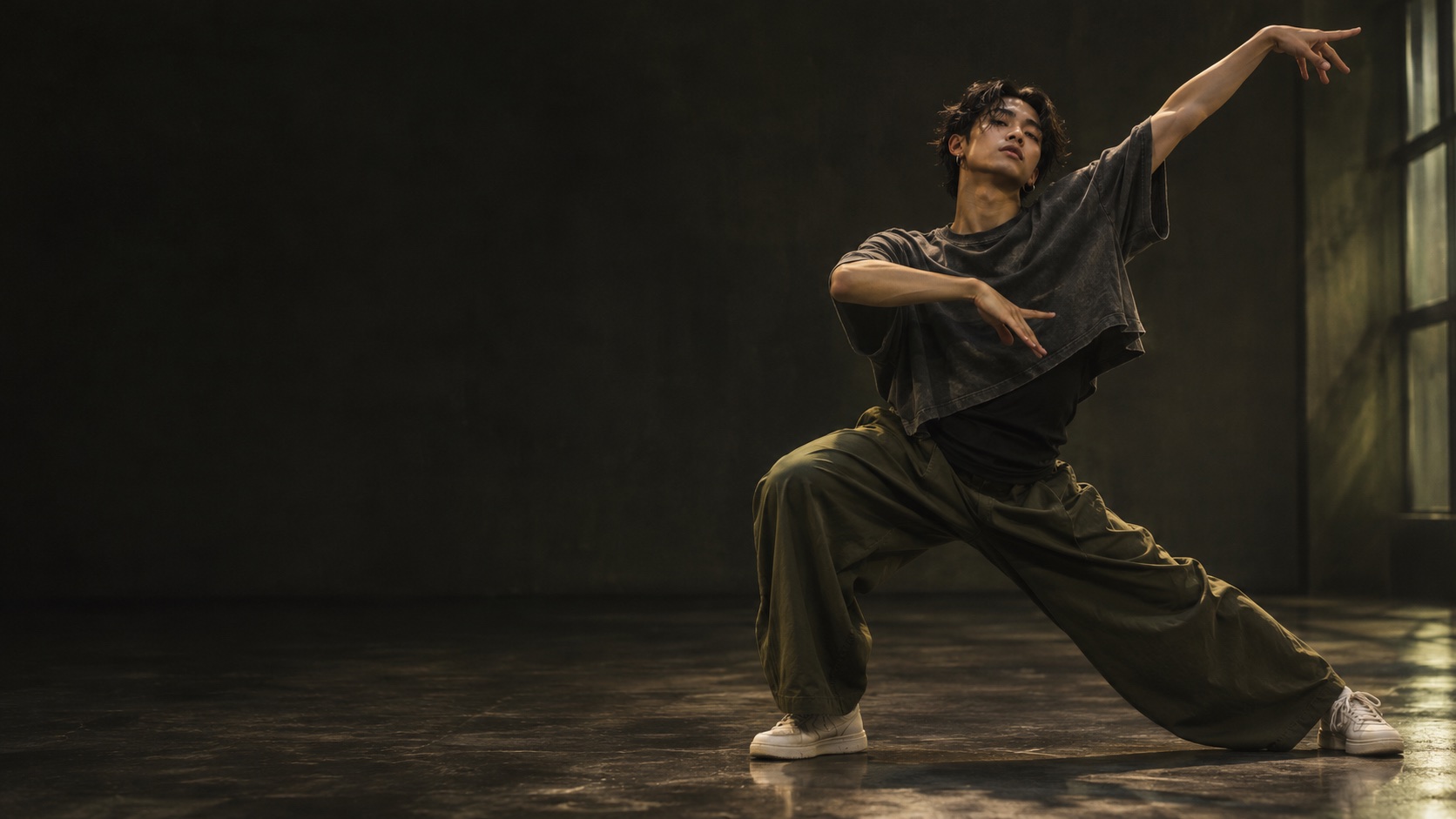
Concept preview · an original movement loop, separate from the app’s clip analysis.
Saved it.
Now learn it.
For the chorus, the cover, or the eight-count you can’t get out of your head.
- 01
Bring your reference.
Import an MP4 or a supported YouTube link to prepare a 3D reference.
- 02
Stay with the hard part.
Choose your angle. Slow it down. Mirror it. Loop the section and go again.
- 03
Make room to move.
Practice with the reference and your camera, then review your movement.
Your practice stays personal. Live camera frames are processed on your iPhone. Imported reference clips are analyzed by the processing service.
How to learn choreography from a video
READ THE GUIDE ↗ 02When should you mirror a dance video?
READ THE GUIDE ↗A LITTLE EARLY. A LOT TO LOOK FORWARD TO.
Your space to move.
We’re building DanceMirror 3D.
Want to be part of the first practice sessions?
Opens your email app · td@std23.com
In development. Release date and pricing to come.
A few things to know.
Can I download DanceMirror 3D today?
The native iPhone app is in development. Email us if you’d like to hear about early access. The animation on this page is an illustrative concept, not a live app session.
Is this only for K-pop?
We’re starting with people learning K-pop and dance covers. The practice tools are built around choreography, so there’s room for more styles.
What kind of reference clip works best?
Start with one dancer and a clear view of the whole body. Group dancer selection and difficult occlusions are still being developed. A reconstructed movement is an estimate.